


|
Getting your Trinity Audio player ready...
|
Hey guys! Thanks for sticking with me here. In this module, I’m going to be taking you through Usability Testing with another platform called TryMyUI. If you don’t already know that Usability or User testing is all about, you should check out How to Start Usertesting – Free Usertesting Course.
What is TryMyUI?
TryMyUI is a platform that I’ve been a panelist on just as long as I’ve been a panelist on all the other platforms that I have listed in this blog, and different people have been able to make a lot of money from TryMyUI, and I believe that you too can do as well.
How can I get paid to test on TryMyUI?
To become a panelist on TryMyUI, the process is very simple, very easy, and very similar to the processes that I have shown in my videos for other platforms, such as user testing. You simply once you arrive on trymyui.com, go to the part that says Get Paid To Test, and click it to complete the signup.
How to sign up for TryMyUI usability testing
Visit trymyui.com, click on “Get Paid To Test” to sign up, and follow the prompts to fill out your details.
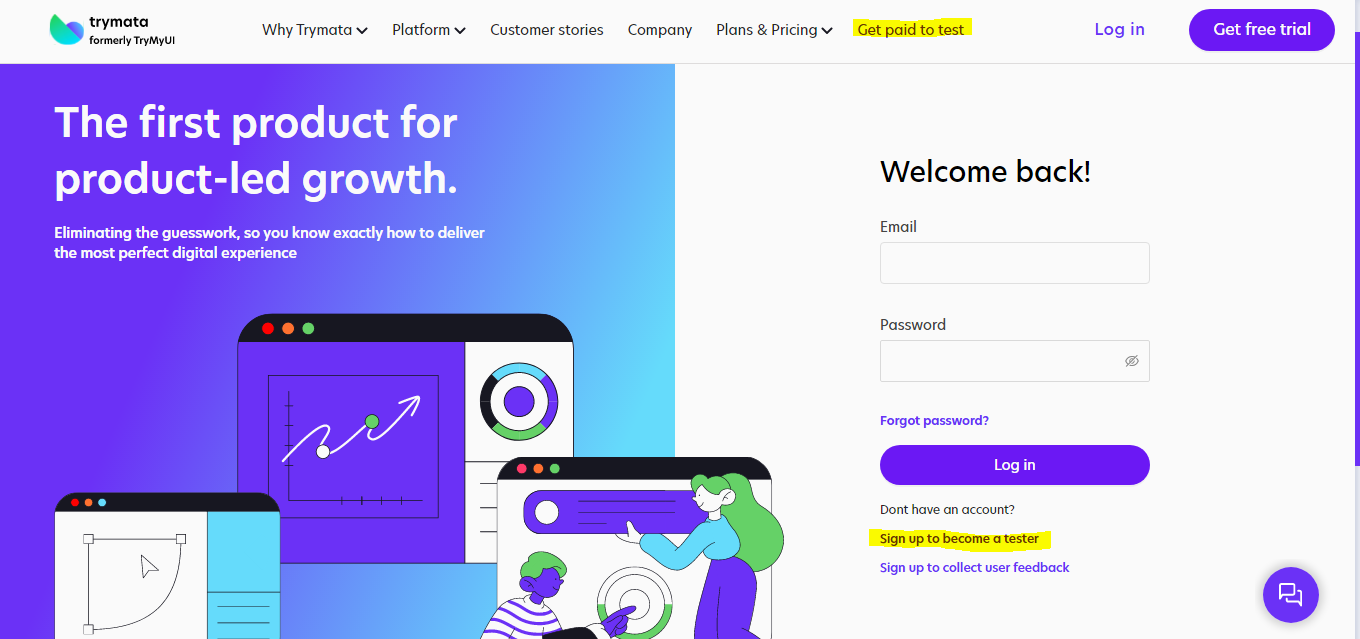
The process is very brief; they’ll just ask you for your name and your PayPal email, and after that, they’re going to ask you for some demographic information, just like you provide for all the other platforms that I’ve shown on this blog, and just like you might have to do for the upcoming platforms as well.
Once you do this similar process, you’re going to have to give a five-minute test and submit it to TryMyUI (This is not a paid test), it is usually called a Qualification Test. Once your test is reviewed, you will get a notification if you’ve been accepted as a tester or not.
If you get accepted, you’re all good to become a panellist, and you’re all ready to start making money from TryMyUI. One other thing I would like to mention is, just like User Testing, just like Validately, you are going to have to install a TryMyUI extension, and again, this is going to do all the work for you. It is going to take your recording and submitting the video reviews easily, so you don’t have to do any extra work.
What happens once you become a TryMyUI tester?
I am going to show you that right now!
TryMyUI does have a physical interface like User Testing, where if you keep the tab open on your browser, you’re going to hear a notification that lets you know that a new test is available for you, and you can go ahead and take it.
However, I don’t recommend using it because the interface is not as advanced as User Testing. For example, if you keep the tab open on your browser, TryMyUI, the interface doesn’t offer anything like in-app notifications. Rather, they send you an email notification for every test.
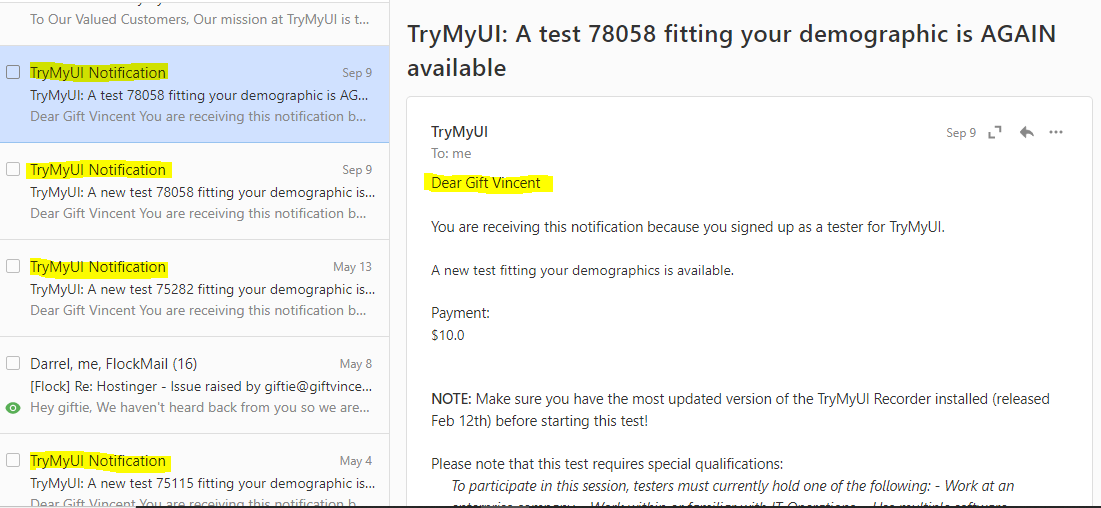
Also, you don’t have to keep the application open on your screen, just stare at it all day, waiting for a new test to come. All you have to do is either look through your dashboard frequently or go through your email if you get notifications.
This, I feel, is fast and effective. I’ve noticed that whenever a new test does appear, I receive it in my email. The more tests you take, the more it increases your chances of getting the more paid test.
You might also want to check out my recorded tutorial on how to go about usability testing and start testing on multiple platforms
Need more information about TryMyUI usability testing?
Watch the video below If you need more information to help you get started.

If you found this helpful, then you’ll love my next articles. Subscribe to receive all the valuable insights posted on my blog in just one newsletter monthly. No disturbance.